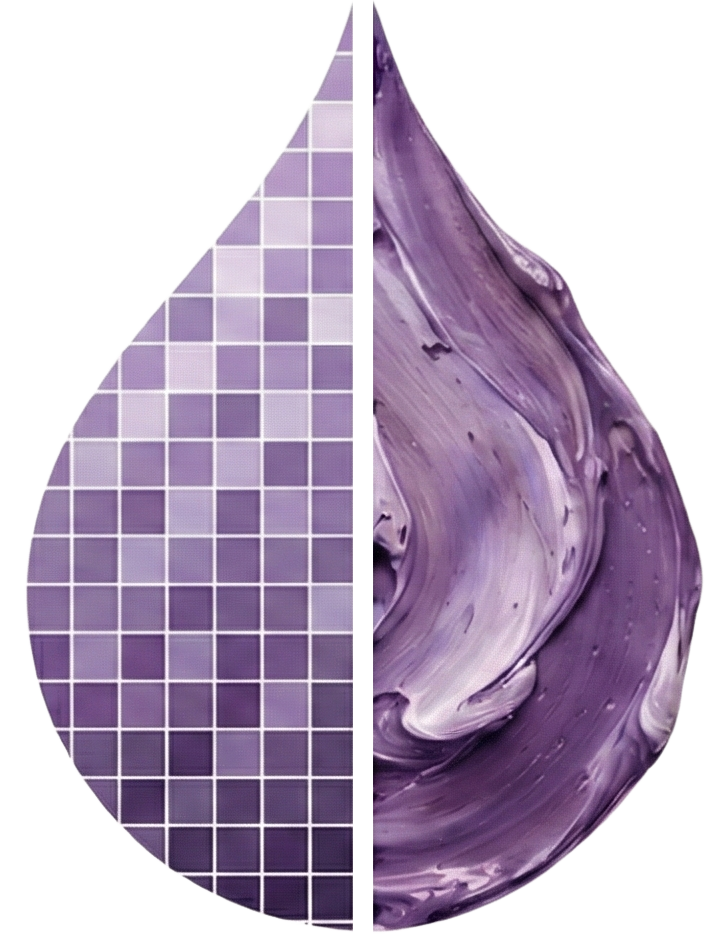
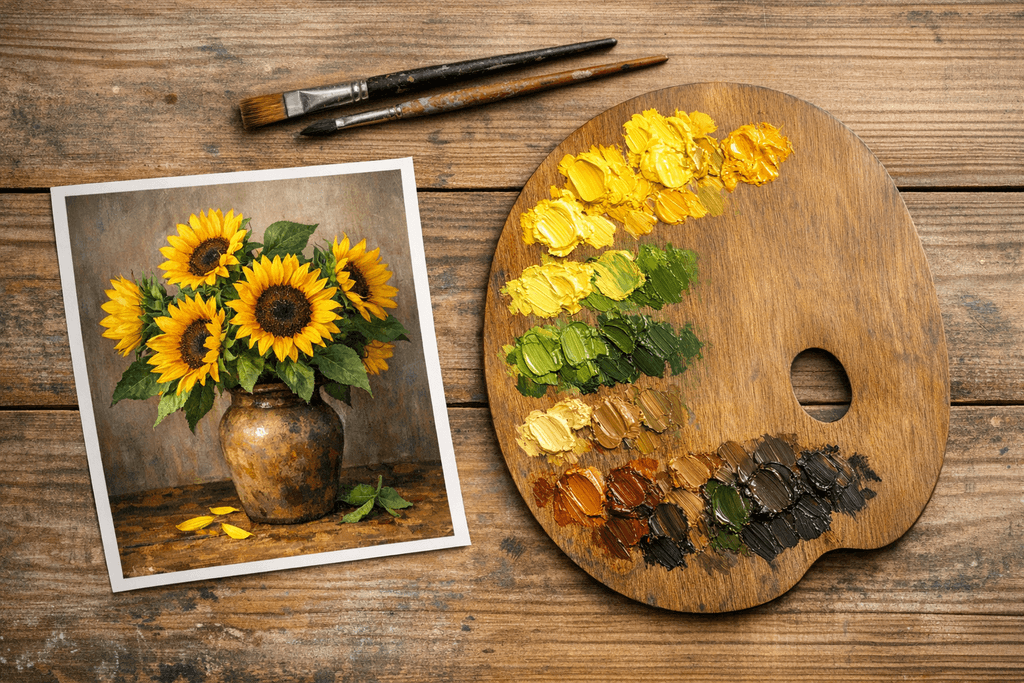
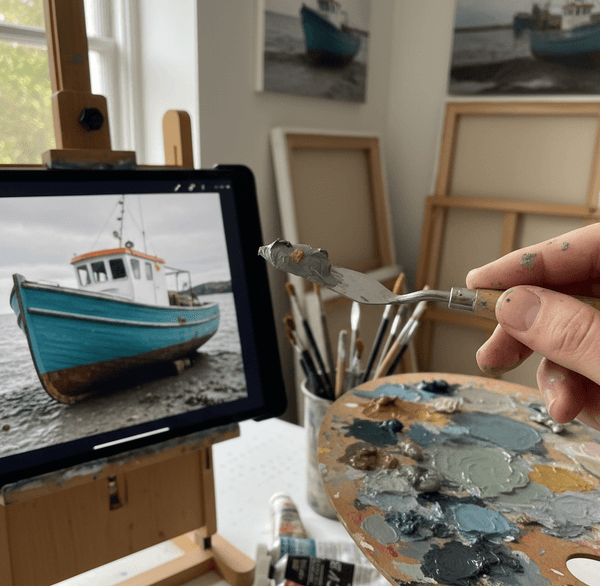
A Color to Oil Paint Converter Tool for Perfect Hues

Select a reference photo and get oil paint mixing recipes. The tool extracts dominant colors and provides mixing formulas using real pigment data from major manufacturers.

Get Oil Paint Mixing Recipes from Your Photos

With Color2OilPaint's converter tool, you can extract oil paint mixing recipes from any reference photo. The tool identifies dominant colors and provides pigment-based mixing formulas you can use at your easel.

Artist struggling with color matching between reference photo and oil paints
THE CHALLENGE

Solve the Color-Matching Challenge

Many artists struggle with accurately translating colors from reference photos to their oil paint palette. This common frustration can lead to:

Wasted paint

from trial-and-error mixing

Lost time

on color preparation

Frustration

when colors don't match

Our converter tool eliminates guesswork by providing precise mixing recipes derived directly from your reference images.

How to Use the Tool

Step 1

Select Your Image

Select the photo you'd like to translate into oil paints.

Step 2

Review the Results

See extracted colors with mixing formulas showing pigment names and proportions.

Step 3

Mix Your Paints

Use the recipes to mix your palette. Each formula shows pigment codes so you can substitute equivalent paints from any brand.

Key Features

Color Palette Extraction

Extract the main colors from your photo with precision.

Image to Oil Color Palette

Get real oil paint pigment matches from your photo.

Oil Paint Mixing Recipe

Receive easy, step-by-step color mixing instructions.

Color Picker Tool

Select any single color from your image for detailed paint mixing analysis.

Downloadable Results

Save and download your color palettes and mixing recipes as PDF or image.

Get Your Color Recipe

Select your reference image below and get oil paint mixing recipes with exact pigment names and ratios.

Extract the Oil Color Palette from your Image

Select Reference Image

Select a photo to extract its color palette and generate oil paint mixing recipes

Drag & drop your reference photo into this area

or click to browse your files

JPGPNGWebPMax 15 MB

How Color Extraction Works

The tool samples colors from your image, groups similar hues using clustering algorithms, then matches each group to real oil paint pigments based on spectral reflectance data.

Color Sampling

K-means clustering groups similar pixels to identify your image's dominant colors.

Pigment Database

Each color is matched against spectral data from major paint manufacturers (Gamblin, Winsor & Newton, Michael Harding).

Mixing Formulas

You get pigment names, proportions, and pigment codes (like PY42, PB29) so you can use any brand.

Complete Guide to Using the Color Converter

Stage 1: Choosing the Right Reference Photo
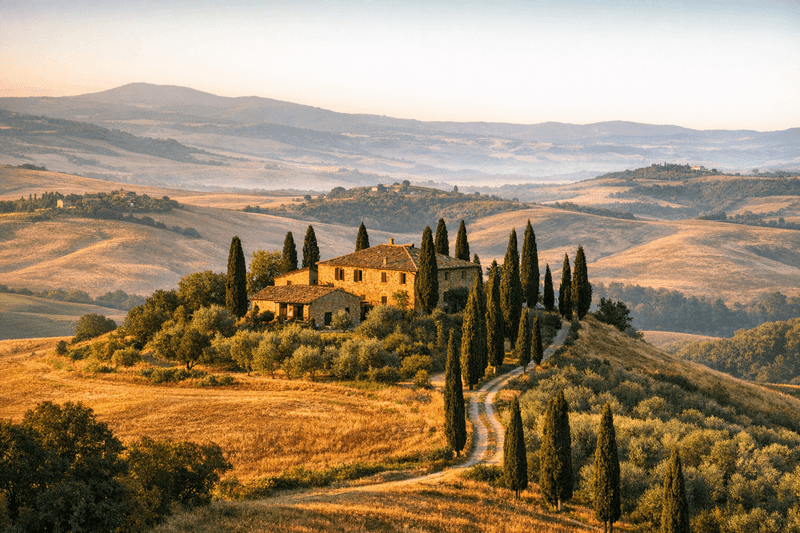
High quality reference photo with natural lighting for color extraction

High quality reference photo with natural lighting for color extraction

Not all photos work equally well for color extraction. For best results, use images with:
  • Natural lighting – Avoid harsh flash or extreme shadows that distort colors
  • High resolution – Minimum 1200px width for accurate color sampling from individual areas
  • Good color balance – Not overly warm (yellow-tinted) or cool (blue-tinted) unless intentional
  • Clear subjects – Avoid blurry or low-quality phone photos taken in poor light
If you're working from a printed photo, scan it at 300 DPI or higher to preserve color accuracy. Modern phone photos work excellently if taken in good natural daylight. Avoid heavily filtered Instagram images or photos with applied color effects, as these adjustments will affect the extracted palette and lead you astray when mixing physical paints.

Stage 2: Select Your Image

Click the "Select Image" button and choose your reference photo. Supported formats include JPG, PNG, and WebP.
Your image file stays in your browser. Only extracted color values are sent to generate mixing recipes.
Once selected, you'll see a preview of your image. You can replace it at any time by clicking the button again.

Key Milestones

  • Image successfully loaded and displayed
  • Color values extracted for recipe generation

Stage 3: Analyze the Colors

Once uploaded, our color analysis algorithm examines every pixel in your image. It identifies dominant colors (those that appear most frequently) and accent colors (smaller but important color notes).
The tool uses k-means clustering to group similar hues together, then maps these digital RGB values to real paint pigments based on spectral reflectance data from major manufacturers.
This process typically takes just a few seconds, even for high-resolution images.

Key Milestones

  • K-means clustering identifies color groups
  • RGB values mapped to real pigments

Stage 4: Review Your Palette

The tool displays 8 key colors extracted from your image, each with a specific mixing formula. These formulas show exact proportions of paint colors you'll need.
For example: "60% Cadmium Yellow Medium + 30% Titanium White + 10% Yellow Ochre" means you'll mix these three paints in a 6:3:1 ratio.
Each color swatch is clickable for more detailed mixing instructions and pigment information.

Stage 5: Understanding Color Swatches

Each color swatch shows both the digital color extracted from your photo and the closest achievable mix using traditional oil paints.
Note that oil paints use subtractive color mixing (mixing pigments reduces light reflection), which differs fundamentally from the RGB additive mixing your screen uses.
Some highly saturated digital colors may require adjustment when translated to physical pigments. The tool indicates when a color is outside the achievable gamut.

Stage 6: Save or Print Your Palette

Use the download option to save your palette as a reference. Many artists print these palettes and keep them in their studios, taping them to their easels during painting sessions.
This ensures color consistency across multiple sessions, especially important for large paintings that take weeks to complete.
You can also share your palette digitally or revisit it later by saving the image file.

Key Milestones

  • Palette saved for studio reference
  • Consistent colors across sessions

Understanding Your Results: Color Analysis Deep Dive

Stage 1: Reading the Mixing Formulas

Each color in your extracted palette displays a formula like: "70% Ultramarine Blue + 20% Titanium White + 10% Burnt Umber"
These percentages represent volume proportions on your palette, not weight. Here's how to mix accurately:
  1. Start with the highest percentage color (Ultramarine Blue – approximately 7 parts)
  2. Add the secondary color (Titanium White – approximately 2 parts)
  3. Add the accent color (Burnt Umber – approximately 1 part)
A "part" can be any consistent measurement—a pea-sized squeeze from the tube, a palette knife scoop, or even a measured blob. The ratio matters more than the absolute amount.

Stage 2: Brand Variations Matter

Paint pigment strength varies between manufacturers. For example, Gamblin Ultramarine Blue is slightly more intense than Winsor & Newton's version, so you may need 5-10% less to achieve the same hue.
Similarly, student-grade paints contain more filler and less pure pigment, requiring larger amounts to match professional-grade colors.
Pro tip: Always test your mix on a scrap canvas or palette paper before committing to your painting. Oil paints also dry slightly darker than they appear wet, especially colors containing raw sienna, burnt umber, or transparent earth pigments.

Stage 3: Color Temperature Indicators

Pay attention to whether the formula suggests warm or cool versions of primary colors. "Cadmium Red Light" (warm, orange-leaning) produces very different mixes than "Alizarin Crimson" (cool, purple-leaning).
Using the wrong temperature creates muddy results. Our tool specifies pigment codes (like PR101, PY42) so you can verify you're using the correct paint variant.
Understanding temperature is crucial for achieving the atmospheric quality in your reference photo.

Stage 4: Opacity vs. Transparency

The mixing formulas account for paint opacity. Opaque pigments like Cadmium Yellow and Titanium White cover underlying layers completely, while transparent pigments like Ultramarine Blue and Burnt Sienna allow underlayers to show through.
This matters when deciding whether to mix colors on the palette or layer them as glazes on the canvas.
Transparent colors build intensity through layering, while opaque colors provide solid coverage.

Stage 5: Why Colors Work Together

The colors extracted from your image aren't random—they follow principles of color harmony that make paintings visually cohesive. Our algorithm identifies whether your image uses:
  • Complementary harmony – Colors opposite on the color wheel (blue/orange, red/green) creating vibrant contrast
  • Analogous harmony – Colors next to each other (blue, blue-green, green) creating peaceful unity
  • Triadic harmony – Three colors equally spaced on the wheel creating balanced variety
Professional paintings typically establish a dominant color temperature with accents of the opposite temperature. A warm landscape gains depth from strategic cool accents (blue shadows, cool greens).

Stage 6: Value Structure & Mother Color

Beyond hue, the tool considers value (light to dark). Successful paintings have a clear value structure—a pattern of lights, darks, and mid-tones that reads clearly even in a black-and-white version.
Many successful paintings have a "mother color"—a hue that appears subtly throughout the entire painting, unifying disparate elements. This might be a warm ochre toned ground showing through, or a cool gray mixed into every color.
Our palette extraction often identifies this unifying hue, showing you the color that appears most consistently across different areas of your reference image.

Key Milestones

  • Clear value structure from lights to darks
  • Mother color identified for unity

Troubleshooting & Advanced Techniques

Stage 1: Muddy and Gray Colors

Common Causes:
  • Overmixing complementary colors (red + green, blue + orange, yellow + purple) neutralizes both
  • Using too many different pigments in a single mix (more than 3 creates mud)
  • Dirty brush or palette contaminating your pure colors
Solutions:
  • Keep warm and cool color piles separate on your palette
  • Limit each mix to 3 pigments maximum
  • Clean your palette knife thoroughly between colors
  • Use glazing instead of mixing for intense colors
Pro tip: If a mix goes muddy, don't try to fix it by adding more colors. Start fresh with clean paint.

Stage 2: Colors Too Dark or Light

If too dark: Add more white and the lightest color in your formula in small increments. Remember that titanium white is very opaque and will lighten colors dramatically—add just a touch at a time.
If too light: Add more of the darkest color in your formula. Be cautious with dark colors like Burnt Umber or Payne's Gray—they're powerful tinters that darken mixes quickly.
Always add in tiny amounts, mixing thoroughly between additions. It's easier to darken a light color than lighten a dark one.

Stage 3: Can't Match Specific Colors

Some highly saturated colors in digital images are impossible to achieve with physical pigments. Neon colors, extremely bright magentas, and certain blue-greens exceed the gamut of traditional oil paints.
  • Get as close as possible with your available pigments, accepting slight desaturation
  • Consider using modern high-chroma pigments like Quinacridone Magenta (PV19) or Phthalo Blue (PB15)
  • Use glazing techniques to build intensity—multiple thin layers appear more saturated than thick opaque mixes
Our formulas use common pigment names that work across brands. Check the pigment code printed on your paint tube—this tells you the actual chemistry regardless of the brand's marketing name.

Stage 4: Limited Palettes & Zorn Approach

Professional painters often work with limited palettes of 4-6 colors, finding this constraint enhances color harmony.
The Zorn Palette—named after Swedish painter Anders Zorn—uses only Yellow Ochre, Vermillion (or Cadmium Red), Ivory Black, and Titanium White. You can test whether your reference image would work with a Zorn-style approach.
Portraits and warm subjects often work beautifully with this restriction. The constraint forces color relationships to become more important than exact matches, often resulting in more cohesive paintings.

Key Milestones

  • Master limited palette approaches
  • Enhanced color harmony through constraint

Stage 5: Extracting Master Palettes

Select high-resolution images of paintings by masters you admire—Sargent portraits, Monet landscapes, Rembrandt still lifes—and extract their actual working palettes.
You'll often discover that seemingly complex paintings use surprisingly few colors. Practice painting from life using only these historical palettes to train your eye.
Over time, develop a personal collection of saved palettes from your successful paintings. This creates continuity across your body of work and helps establish a recognizable personal style.

Stage 6: Real-World Case Studies

Autumn Landscape: An intermediate painter struggling with overwhelming variety of orange tones uploaded her reference and discovered she only needed three orange variations—everything else was value changes using the same hues. Painting time dropped from 20 to 12 hours.
Portrait Skin Tones: A beginner extracted colors from Sargent and Sorolla portraits, discovering that master painters used more yellow ochre and less red. Warm skin tones are built on yellow-orange foundations, not red-orange.
Plein Air Efficiency: A landscape painter pre-analyzes locations by extracting palettes from scouting photos. He arrives with pre-mixed color strings, completing studies in 90 minutes instead of 3 hours.
Still Life Harmony: A hobbyist noticed her extracted palette showed Burnt Sienna as the "mother color" in her reference. Mixing a tiny amount into every color created instant harmony.

Key Milestones

  • Learn from real artist experiences
  • Apply techniques to your own work
LEARNING RESOURCES

Expand Your Color Mixing Knowledge

Master color mixing with our comprehensive guides and tutorials

What Artists Are Saying

See how Color2OilPaint is transforming painting workflows for artists worldwide

Mark B.

Professional Landscape Artist

"Color2OilPaint has completely transformed my workflow. I used to spend hours mixing and testing colors before starting a painting. Now I can extract the perfect palette from my reference photos in seconds and focus on creating art."

Birgit B.

Oil Painter

"I used to spend hours mixing and testing colors before starting a painting. Now I can extract the perfect palette from my reference photos in seconds and focus on creating art."

Peter C.

Hobby Painter

"As a beginner, color mixing was intimidating. This tool gives me the confidence to tackle complex subjects knowing I have the exact colors I need. My paintings have improved dramatically in just a few months."

Frequently Asked Questions